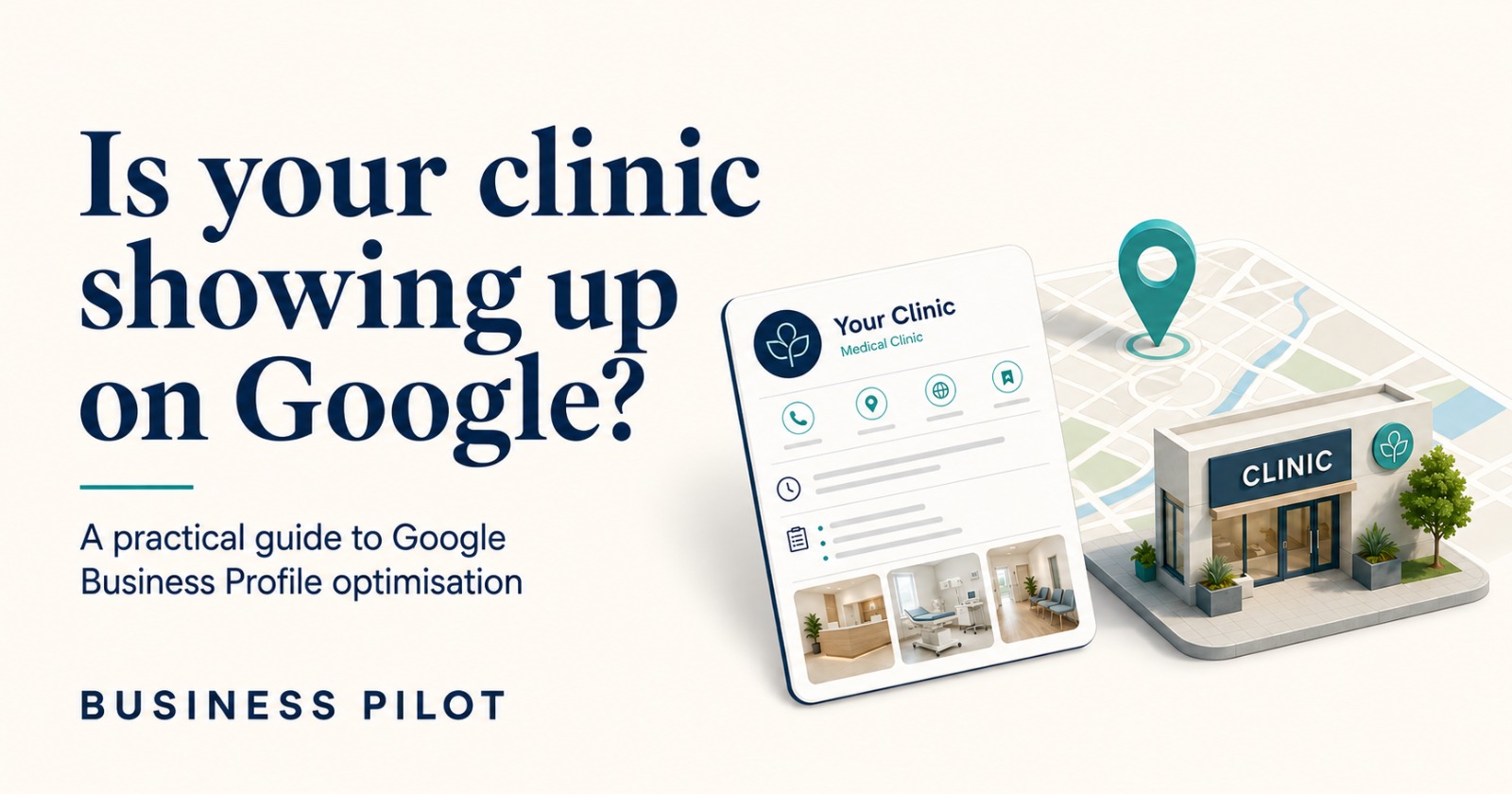
Search “dentist near me” or “best skin clinic in [your city]” and you’ll often see a map section prominently in the results. It shows local listings with a rating, a photo, and a “Directions” button, each one a Google Business Profile.
That map pack is powered by your Google Business Profile (GBP), still commonly called GMB by most doctors and staff. Google Business Profile Optimisation is an important part of making sure your clinic’s profile is complete, accurate, and useful to patients. Google is deliberately quiet about exactly how it ranks these listings.
It publishes only a general framework: local results are mainly based on relevance, distance, and popularity (Google’s own detailed guidance still labels that third factor “prominence”).
It confirms that complete, accurate, verified information, along with reviews, can influence visibility. It does not publish a weighted scorecard, and neither should any agency claiming to know one.
What follows is a practical walkthrough of what Google itself recommends doing with a profile. It covers why each step is worth the time, and where the honest limits of that evidence are. A Business Profile is only one part of a clinic’s broader local SEO strategy for doctors.
Across the clinic profiles we’ve audited, the gap is rarely that a profile doesn’t exist. It’s that it was set up once, incompletely, and never corrected. The most common pattern: services listed under the wrong section entirely, as Products rather than Services, or listed as broad categories that don’t match what the clinic actually treats.
Consultation charges are almost never mentioned anywhere on the profile. And the same clinic’s name, address, and phone number rarely match across GBP, Practo, Justdial, and Lybrate, which sends genuinely conflicting signals about which details are correct. Many doctors also don’t know the correct way to collect reviews, or what effect reviews actually have on visibility.
So what little gets posted tends to read like an ad or a string of keywords, rather than something that answers an actual patient question.
1. Claim and verify the profile
Many clinics have a GBP listing they never claimed themselves. It appeared from a directory scrape or a patient’s map edit, and nobody on staff has ever logged in.
Why it matters. Claiming and verifying the profile gives the clinic control over how its business information appears on Google. Without that ownership, correcting a wrong phone number or an old doctor’s name becomes far harder, and it can sit there indefinitely while patients call the wrong line.
2. Choose the most specific accurate category, and list services as services
GBP asks for a primary category and allows secondary ones. Clinics often default to a broad category like “Doctor” when “Dentist,” “Dermatologist,” or “Physiotherapy Clinic” would match patient searches far more precisely.
A related and more basic mistake we see often: treatments and consultations entered under GBP’s Products section rather than its Services section. The two sections mean different things to Google and to a patient scanning the listing, and a root canal or a skin consultation is a service, not a product.
Why it matters. Google explicitly confirms that categories affect which searches your profile is considered relevant for, and recommends choosing the most specific accurate option available.
It has not published category as “the strongest” ranking factor, and no agency can honestly claim to know Google’s internal weighting. Getting it specifically right, and putting each offering in the section actually meant for it, is still a documented, sensible step, not a guess.
3. Keep business details consistent everywhere
Name, address, and phone number should match, as closely as possible, across GBP, the clinic website, Practo, Justdial, Lybrate, and any other directory. In practice, this is one of the most consistently broken items we find. The same clinic often has a different spelling of its own name, a different phone number, or a different address format on each platform.
Why it matters. Google says it draws business information from a clinic’s own website and from publicly available web and third-party data to understand and verify a listing. When four platforms describe the same clinic four different ways, that’s a genuinely confusing signal about which version is correct, not just an untidy detail.
This is a sensible hygiene step; it is not evidence that a mismatched name “penalises” ranking on its own, and no credible source claims that.
4. Fill in every available field completely
Hours (including holiday hours), services, and other fields available for your category and region each have a dedicated place on the profile. Most clinics leave several blank, and consultation or procedure charges in particular are almost never entered anywhere on the listing, even where the field is available.
Why it matters. Google states plainly that businesses with complete and accurate information are more likely to appear in local search results. That’s because detailed information helps it understand what the business actually offers, and match it to the right searches.
Note that which fields appear (insurance, accessibility, payment options) varies by business category and region, so not every clinic will see an identical field list.
5. Keep photos current and representative
A handful of photos uploaded at setup, then nothing added for years, is common.
Why it matters. Google recommends photos and videos as part of a complete, useful profile, because they help a patient understand what to expect before they visit. That’s a genuine, patient-facing reason to keep them current.
Beyond that, be cautious of any claim that photo count or recency is itself a proven ranking signal. Google has not documented that mechanism, so treat photos as a trust-and-clarity tool for the patient, not a ranking lever.
6. Build a steady flow of reviews, and reply to them
Five reviews from three years ago reads very differently to a patient than forty reviews with a steady, recent trickle, especially with visible replies from the clinic. Many doctors we’ve spoken with are not actually aware of how much reviews affect a patient’s decision.
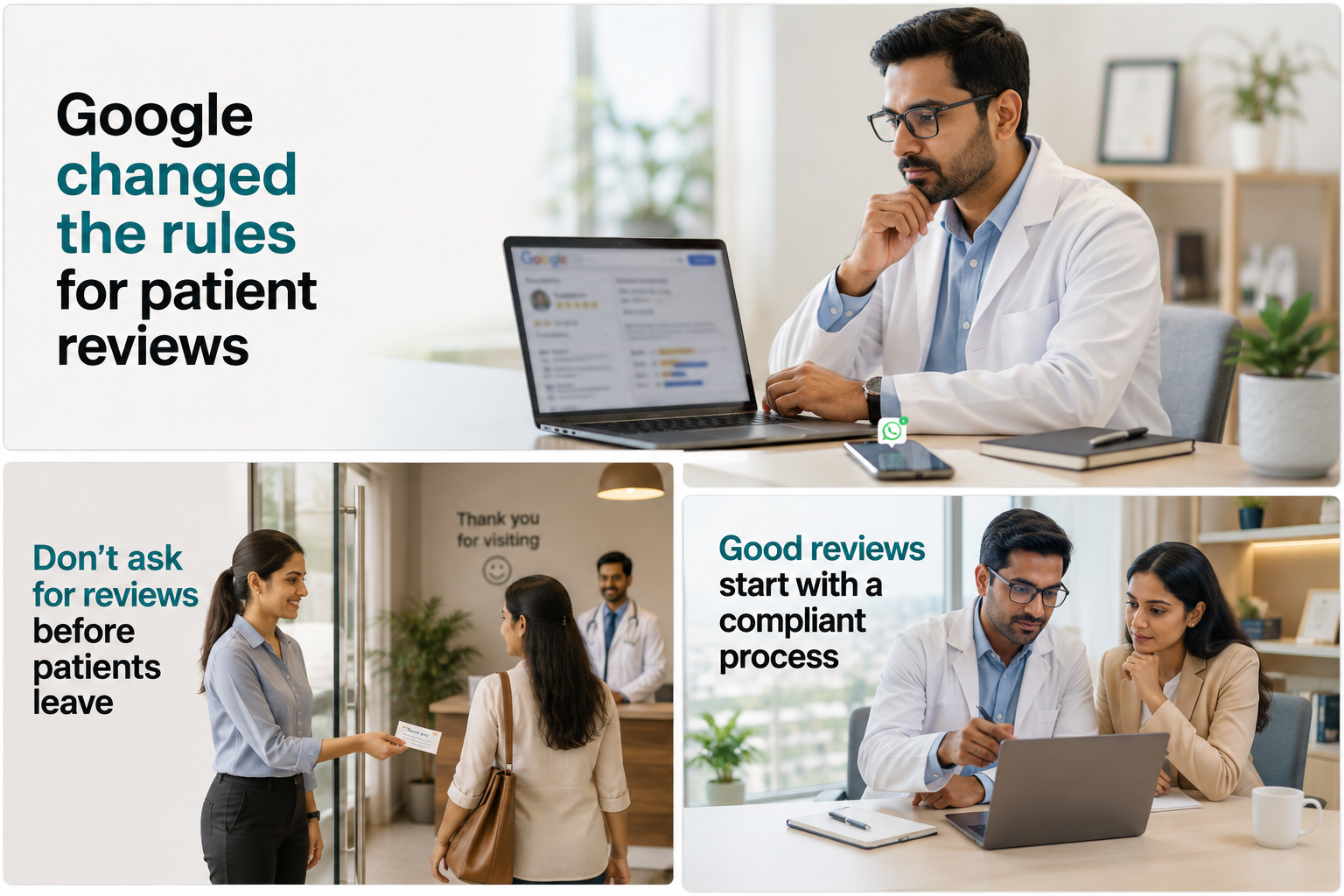
Fewer still know there’s a permitted way to ask for reviews: inviting genuine patients to leave honest feedback, using Google’s own review link or QR code. Incentivising reviews, or selectively encouraging only certain patients to post, is a different matter, and can breach Google’s policies on managing reviews.
Clinics that want to build reviews consistently should also have a clear patient review and reputation strategy: how, when, and who asks.
Why it matters. Google explicitly confirms that review count and review score are factors in local ranking, and that more positive reviews can improve visibility. It also recommends replying to reviews because doing so shows patients that feedback is valued.
Reviews are also highly visible during a patient’s own decision process, independent of any ranking effect, which is reason enough to invest in them.
7. Use Google Posts for genuine updates
The Posts feature lets a profile share announcements, offers, events, and updates. The Posts we most often see on clinic profiles read as ads, or as a list of keywords with little actual content. They rarely address a real question a patient searching for that clinic would have.
Why it matters. Google positions Posts as a way to help customers make decisions and stay informed, not as a documented ranking lever. A Post that’s really just an advertisement, aimed at Google rather than the person reading it, fails on that basic purpose even before any ranking question comes into it.
Use them to keep the profile genuinely current for patients: new services, doctor availability, health-awareness content, direct answers to something patients actually ask. Don’t use them as a tactic aimed at an unproven “activity signal.”
8. Monitor the Questions & Answers section, where it’s available
Anyone can post a question on a GBP listing, and in some cases anyone can answer it.
Why it matters. An incorrect or misleading public answer sitting on your listing is worth catching early. That said, Google’s documentation notes that Q&A availability and presentation can vary by category and region, and the feature has been changing.
Check whether it’s present and active on your specific profile before building a process around it, rather than assuming every clinic has an identical Q&A section to manage.
9. Describe your services and location clearly, not keyword-stuffed
The business description exists, in Google’s own words, to help potential patients understand what you do and what makes the practice distinct. Keyword stuffing in this field, and in Posts, is one of the more common mistakes we come across, usually a list of treatment names strung together with little else.
Why it matters. Write this section, and any Posts, for a patient’s clarity: what you treat, and where you’re located. That naturally includes your specialty and neighbourhood, without needing to force in exact-match phrases on the theory that Google is scanning for them as a ranking cue.
There’s no confirmed evidence for that specific mechanism, and forced keyword placement reads worse to the patient reading it.
10. Review your Google Business Profile performance data
Google’s current reporting, generally labelled Business Profile Performance, shows calls, website clicks, direction requests, and, where available, the search terms that led to your listing.
Why it matters. Without this data, deciding what to fix next is a guess. With it, a clinic may notice, for example, that a particular treatment appears often among the search terms people use to find the profile. If that service is barely represented on the listing itself, that’s a concrete gap worth closing.
It is not a claim that any single call or click can be traced to any single search term.
The pattern behind these steps
Google’s own guidance on a Google Business Profile is simpler than a lot of local-SEO advice makes it sound. It comes down to those three core local-ranking factors, supported by complete, accurate, verified information and a genuine base of reviews.
There’s no documented real-time “score” beyond that framework, and no clinic should be told it will be “outranked within months” for skipping a Post. What is true, without needing an invented mechanism to justify it, is simpler than that.
A profile a clinic actively maintains, keeps accurate, and responds on, simply serves patients better than one it set up once and forgot. That, on its own, is worth doing.
Frequently Asked Questions
Does a Google Business Profile help a clinic appear in “near me” searches?
Yes. GBP is the primary listing type Google Maps and local search results draw on for “near me” and city-specific searches. That’s why an incomplete or unclaimed profile puts a clinic at an immediate disadvantage in exactly those searches.
How often should a clinic update its Google Business Profile?
Google doesn’t publish a required frequency. In practice, update hours and services whenever they genuinely change, and post when there’s real news, a new doctor, service, or clinic update. That keeps the profile accurate and useful, without inventing activity for its own sake.
Do Google reviews affect local rankings?
Google confirms review count and score are factors in local ranking, alongside relevance and distance. Reviews also weigh heavily in a patient’s own decision, separately from any ranking effect.
Do Google Business Profile Posts improve rankings?
Google recommends Posts for communicating updates and helping patients make decisions. It does not document regular posting itself as a direct local-ranking factor, so treat Posts as a patient-communication tool first.